
The free typing music game for kids
Every right key plays the next note of an Irish tune on a tin whistle and adds a piece to a little creature. Finish the line and it comes alive in your meadow.
No ads, no account, nothing to install.

Hear it before you play
Rest your pointer fingers on F and J. Feel the little bumps? Now press the keys in order, or tap them.
12 notes to go.
How Typing Meadow works
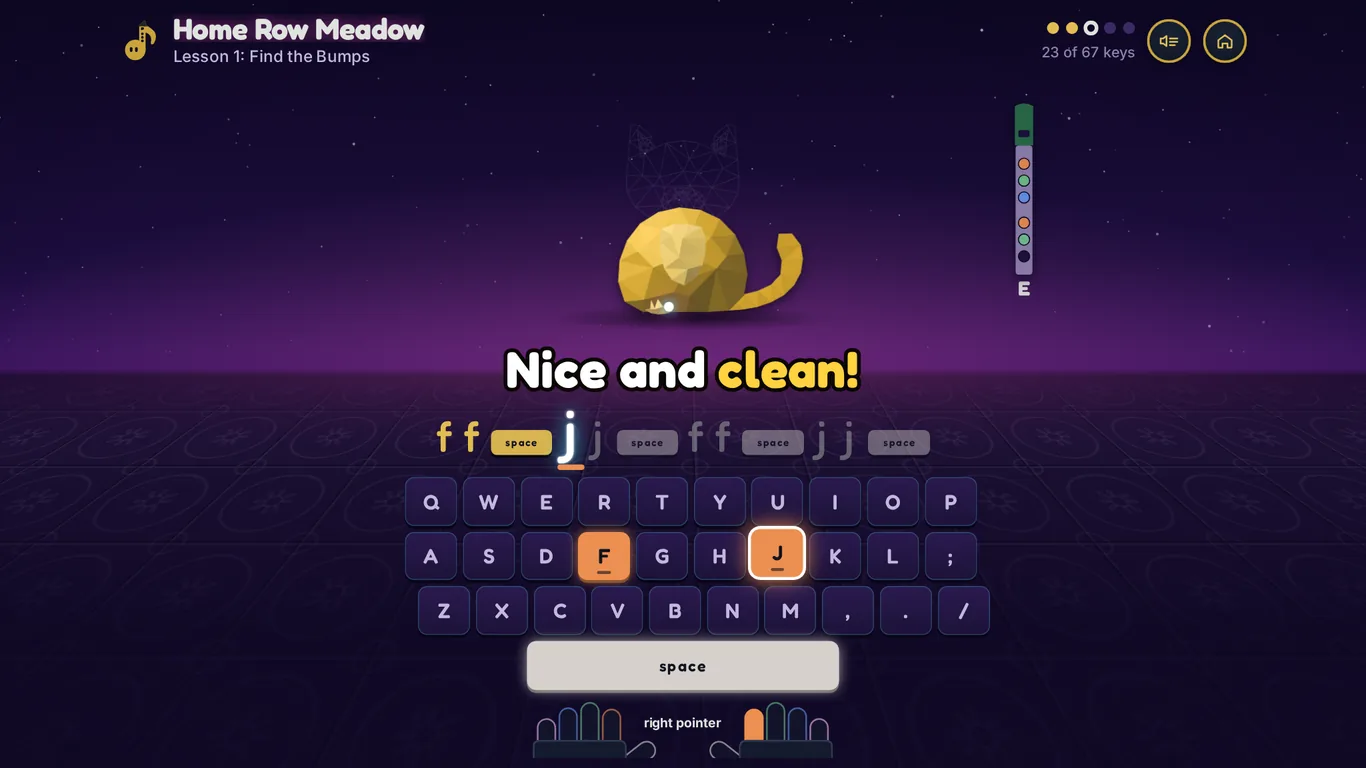
Every right key is a note
Type the line in front of you and Penny's whistle plays the tune one note at a time. Keep an even beat and it sounds like a song.
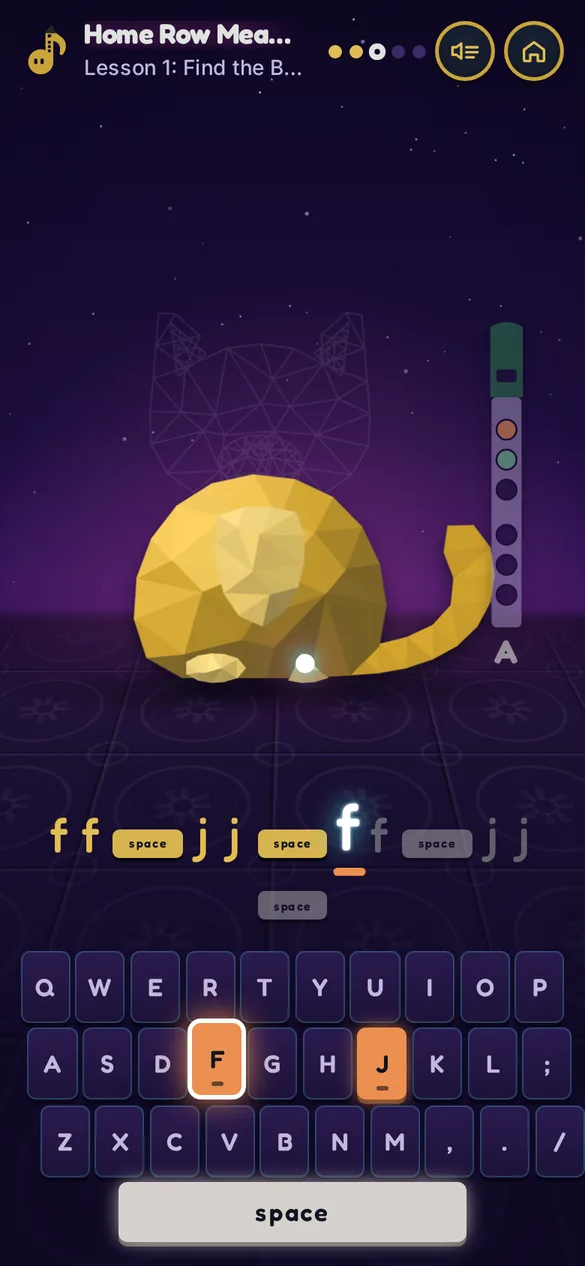
Each key is the color of the finger that presses it, and the hands under the keyboard light up the same way, so kids learn where every finger goes without looking down.
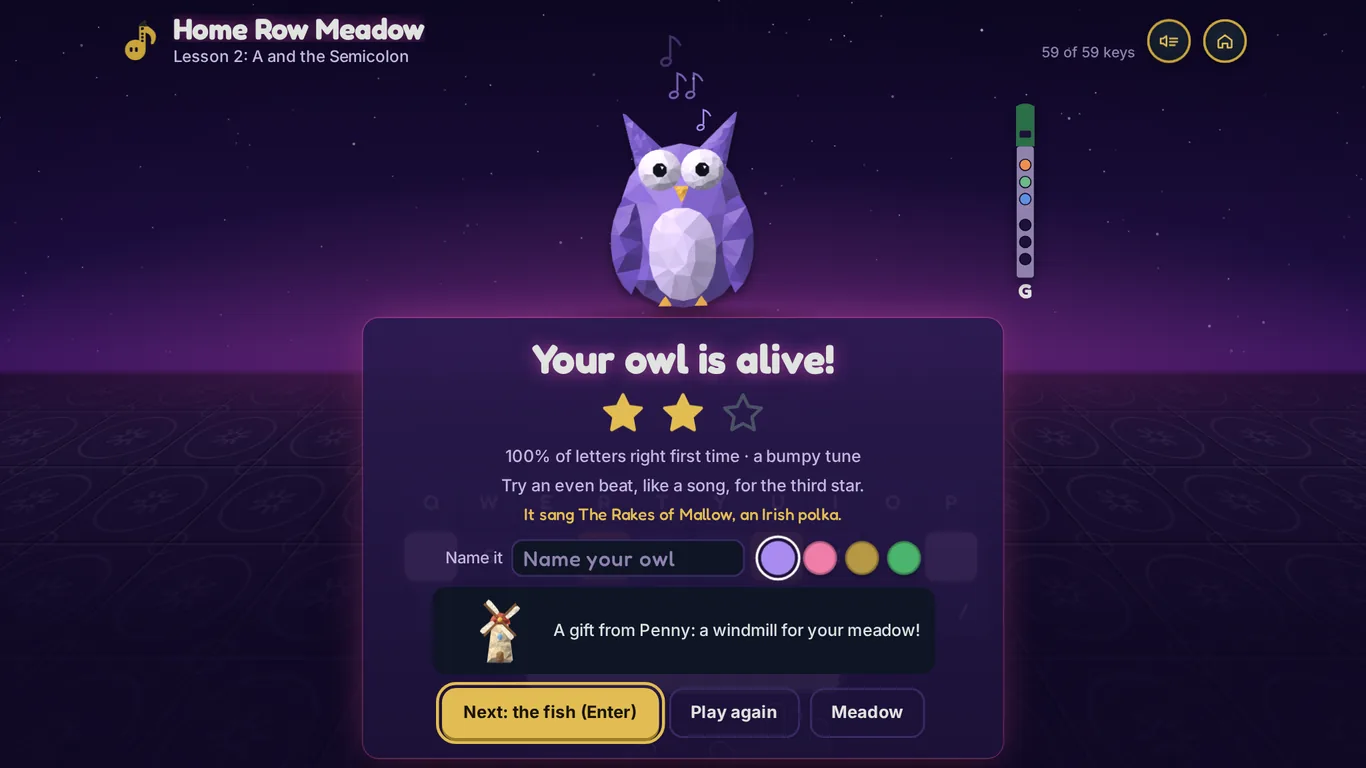
Finish the line and it comes alive
Every key adds one facet to a drawing in brass. When the line is done, color sweeps through it, it hops, and it sings the tune you just played.
Name it, pick its color, and Penny leaves a gift for the meadow: a pond, a windmill, a lamp post.
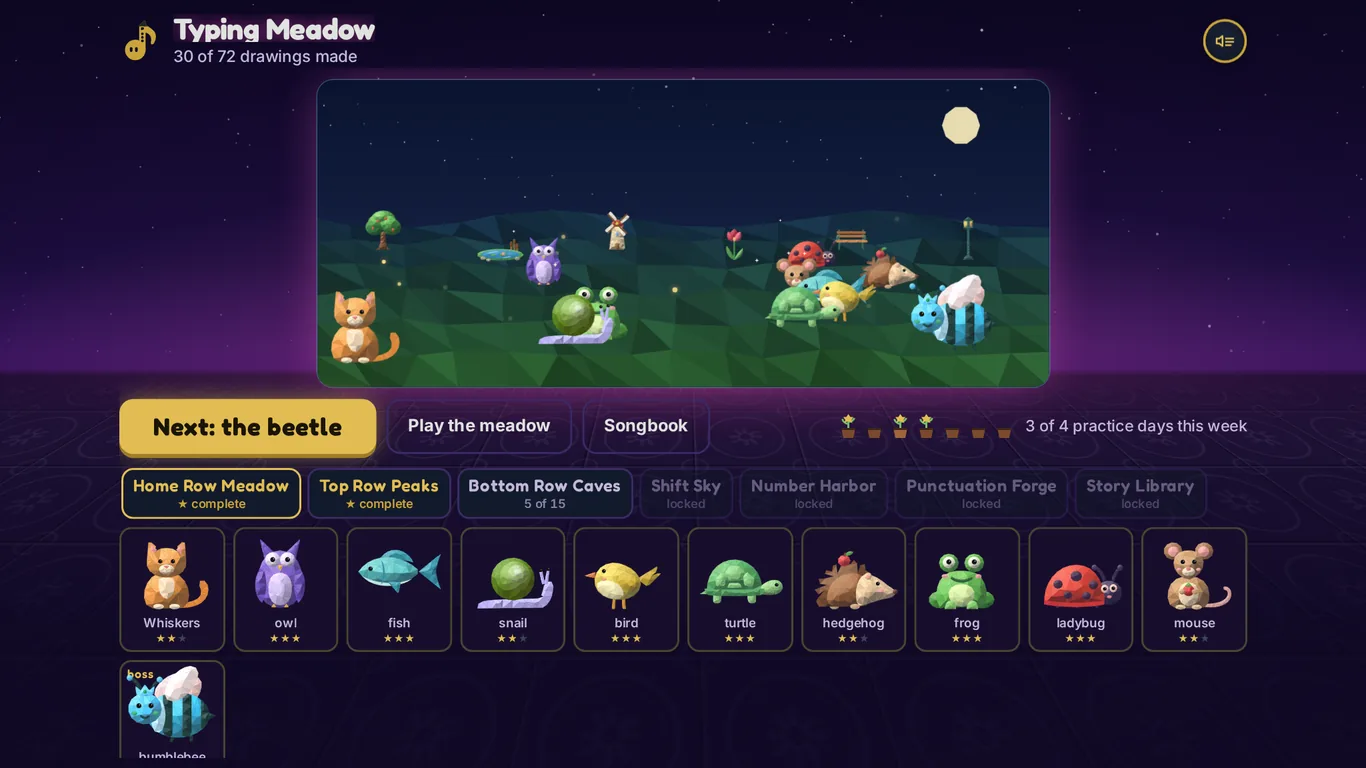
Grow a meadow of your own
Everything your child makes lives in their meadow, bobbing and blinking under the moon. Seven worlds to fill, and a row of flower pots that grows with every day they practice.
Real touch typing, one row at a time
Typing Meadow teaches kids to type in the order typing teachers use: the home row first, then reaching up and down, then capitals, numbers, punctuation and whole stories. Accuracy comes first and speed comes later.
- Home Row Meadow11 lessons
- Top Row Peaks14 lessons
- Bottom Row Caves15 lessons
- Shift Sky7 lessons
- Number Harbor9 lessons
- Punctuation Forge7 lessons
- Story Library9 lessons
Eighteen Irish tunes on a real tin whistle
The music is a real whistle, recorded note by note, playing tunes from O'Neill's Music of Ireland (1903): St. Patrick's Day, The Rakes of Mallow, Drowsy Maggie, The Kid on the Mountain and more. Every finished tune goes into the songbook to hear again.
The whistle on screen shows the real fingering for every note, so a child with a whistle can learn to play along. Want to try? Here is our tin whistle finger chart.
For parents and teachers
- No ads, ever. No account to make and no chat.
- Nothing leaves the device. Progress is saved in the browser and nothing your child types is sent anywhere.
- Little Hands mode for ages 5 and 6. Just the home row, bigger keys, and Penny says each letter out loud.
- A plain report. Under For grown-ups: lessons done, letters right first time, and the tunes they played.
- Plays offline. Add it to your home screen and it works without wifi.
- Laptops, Chromebooks and tablets. A real keyboard is best; on a touch screen it shows big keys to tap.
Questions
Is Typing Meadow free?
Yes. It is free to play in your browser right now, with no ads and no account.
What ages is it for?
Kids aged 7 to 10 get the most out of it. Little Hands mode, under For grown-ups, makes it work for 5 and 6 year olds.
Does it teach touch typing?
Yes. Every lesson is touch typing: the right finger for every key, starting from the bumps on F and J, with each key the same color as the finger that presses it. 72 lessons cover all three letter rows, capitals, numbers, punctuation and whole stories.
Does it work on a Chromebook or an iPad?
It runs in any modern browser. On a Chromebook or a laptop it uses the real keyboard. On a tablet or a phone it shows big keys to tap, though a real keyboard is the best way to learn to type.
Do we need a tin whistle?
No. The whistle is in the game. If you have a D whistle at home, the game shows the fingering for every note, so you can play along.
What does it do with my child's typing?
Nothing leaves the device. Progress is saved in the browser, and the report for grown-ups is made right there on the screen.